
Blog
How Saravanampatti IT Pros Should Pre-Wire a New Home for Smart Living (Before Plaster)

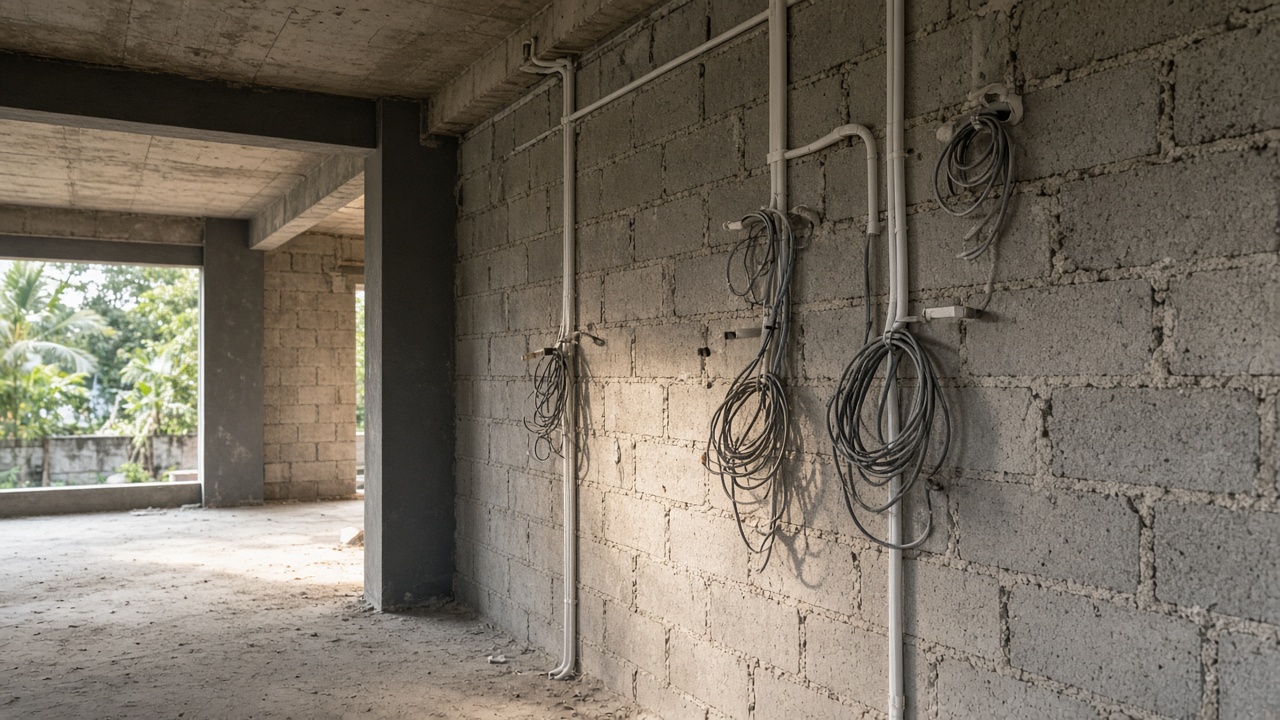
If you work in Saravanampatti’s IT corridor and you are building or gut-renovating a home, there is one decision that quietly decides how “smart” your house can become: what goes inside the walls before plaster.
Once plaster, putty and paint close the chase, every missed conduit becomes a compromise—surface conduit, wireless workarounds, or chasing walls again. For tech professionals who already live with high-bandwidth work, multi-device homes and weekend travel, that is an expensive mistake.
This guide walks through practical smart home wiring in Coimbatore—especially for homes around Saravanampatti, Peelamedu and nearby Trichy Road stretches—so you can plan automation during construction, not after handover.
Why pre-wiring matters more in Saravanampatti than you think
Saravanampatti homes are often designed for dual-income tech households: home offices, dense Wi-Fi, streaming, EV charging later, and security that works when both partners travel. The climate adds another layer. Coimbatore’s dry heat and afternoon glare push ACs hard; smart climate control only works well if sensor and actuator paths were thought through early.
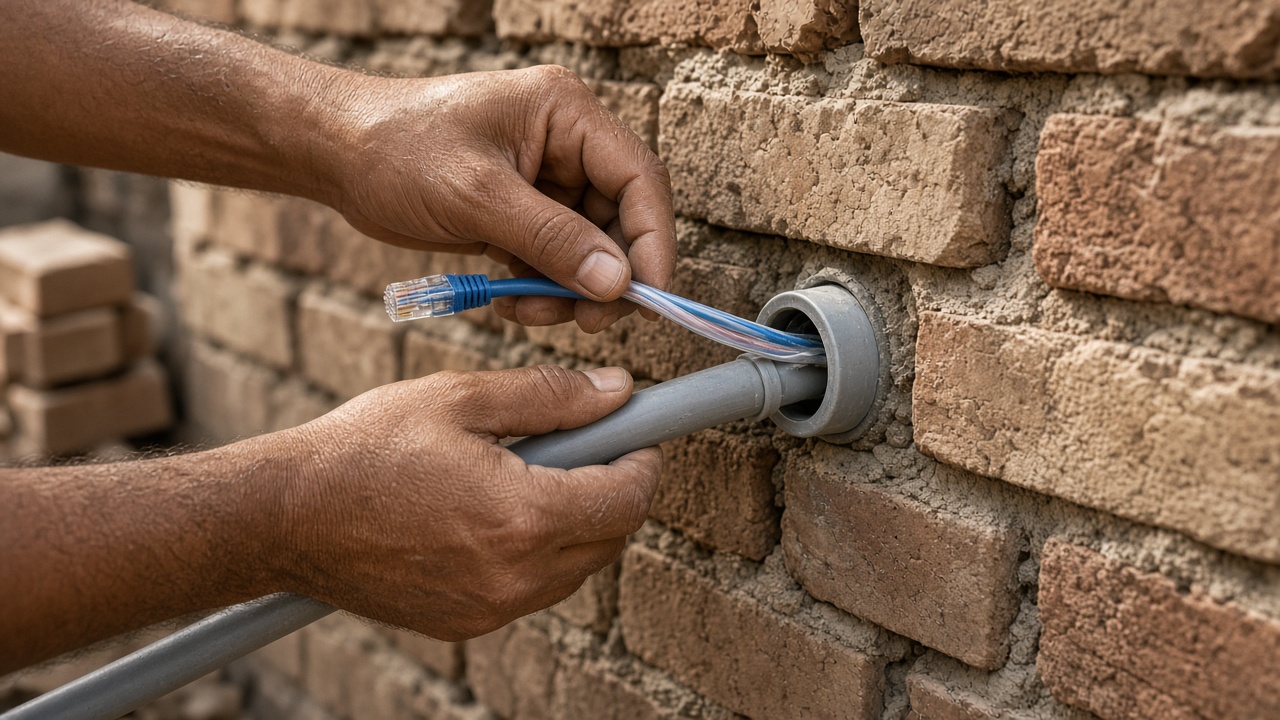
Wireless protocols help, but they do not replace planned conduits for:
- Reliable power to controllers, hubs and PoE switches
- Structured LAN (not only Wi-Fi)
- CCTV backbone
- Curtain/gate motors
- Speaker and AV runs
- Future expansion without breaking finishes
Think of pre-wiring as future capacity. You may not install every device on day one. You should leave paths for what a five-year lifestyle upgrade will need.
The right stage: after electrical first-fix, before plaster
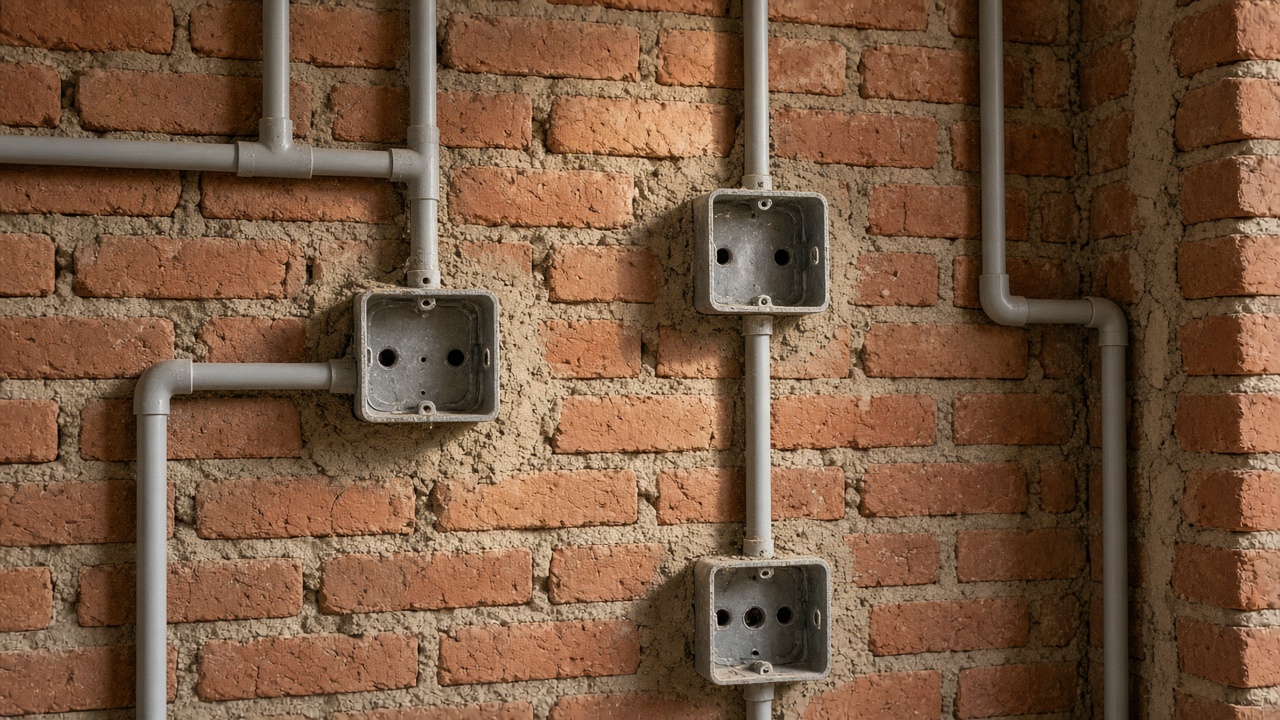
In a typical Coimbatore residential build, the window is short:
- Structural work and brickwork complete
- Electrical first-fix (DB, point layouts marked)
- Smart / low-voltage conduits and junction boxes
- Plumbing and HVAC first-fix coordination
- Plaster
- Flooring, joinery, painting
- Second-fix electrical and device install
If your contractor treats “points” as only lights, fans and sockets, automation will be bolted on later. Ask for a separate low-voltage / smart schedule in the same drawing set as electrical.
What to pre-wire: a Saravanampatti-ready checklist
1) Structured networking (LAN first, Wi-Fi second)
Tech pros underestimate how many wired drops still matter: work desk, living TV, CCTV NVR, mesh nodes, NAS, and a clean path to the outdoor ONT if you use fibre.
Plan:
- A central networking cabinet or ventilated cupboard (not a sealed loft box)
- Cat6 (or better, as per your integrator’s standard) from cabinet to living, bedrooms, home office, and terrace/utility if cameras sit there
- Spare conduits from cabinet to roof terrace and compound wall for future AP or camera adds
- Power + earthing near the cabinet for UPS and PoE switch
Wi-Fi mesh works better when backhaul can be wired. In multi-floor homes common around Saravanampatti layouts, that difference shows up every video call.
2) Smart lighting and switch pathways
Whether you choose smart switches, dimmers, or a hybrid of modules behind conventional plates, conduits and deep boxes decide clean installs.
Before plaster:
- Confirm which circuits are dimmable vs on/off
- Leave space for modules (depth matters more than people expect)
- Run extra conduit from DB / automation panel to key zones: living, master bedroom, kitchen, staircase, outdoor porch
- Mark two-way / multi-way locations early for stairs and long corridors
Coimbatore tip: outdoor porch and compound lighting benefit from automation and timers—plan weather-protected junction points, not last-minute surface boxes.
3) Climate control and heat management
Smart thermostats and IR/blaster hubs need power and placement, not only an app.
Coordinate with AC first-fix:
- Sensor locations away from direct sun and door drafts
- Conduit or discreet power for IR hubs that control split ACs if you are not on a fully communicating HVAC system
- Clear path for any future VRV/VRF or ducted work if your villa design allows it
Afternoon west-facing rooms in Saravanampatti can run warmer. Zoning and schedules help only if sensors and control points were placed thoughtfully.
4) Curtains, blinds and gate automation
Motorised curtains look simple after interiors—and become messy if motors, power and control cables were never planned.
Pre-plaster items:
- Power points / concealed runs above curtain pelmets or pelmet boxes
- Control cable path back to hub or switch location
- Gate motor conduit from pillar/motor housing to indoor control and safety sensors
- Spare for photocells and loop detectors if you want a cleaner driveway setup later
5) CCTV and security backbone
Do CCTV planning with interiors and networking—not as a separate vendor after false ceilings close.
Before plaster / ceiling close:
- Camera locations with conduit to NVR / PoE switch
- Power strategy (PoE preferred for many indoor/outdoor IP cameras)
- Doorbell / video door phone cabling at main entrance
- Alarm or contact sensor pathways for main doors if you want a wired backbone
For IT professionals who travel, remote viewing is only as good as your uplink, UPS and cable discipline.
6) Audio, AV and “nice later” runs
Even if you skip a full home theatre now:
- HDMI / speaker conduit from TV wall to rack or sideboard
- Ceiling speaker stubs in living or sit-out if you want them later
- Subwoofer power planned so you are not hunting sockets after sofa placement
Empty conduit is cheap compared with opening a finished Race Course–level joinery wall—or a freshly painted Saravanampatti bedroom.
Coimbatore climate and construction realities to design for
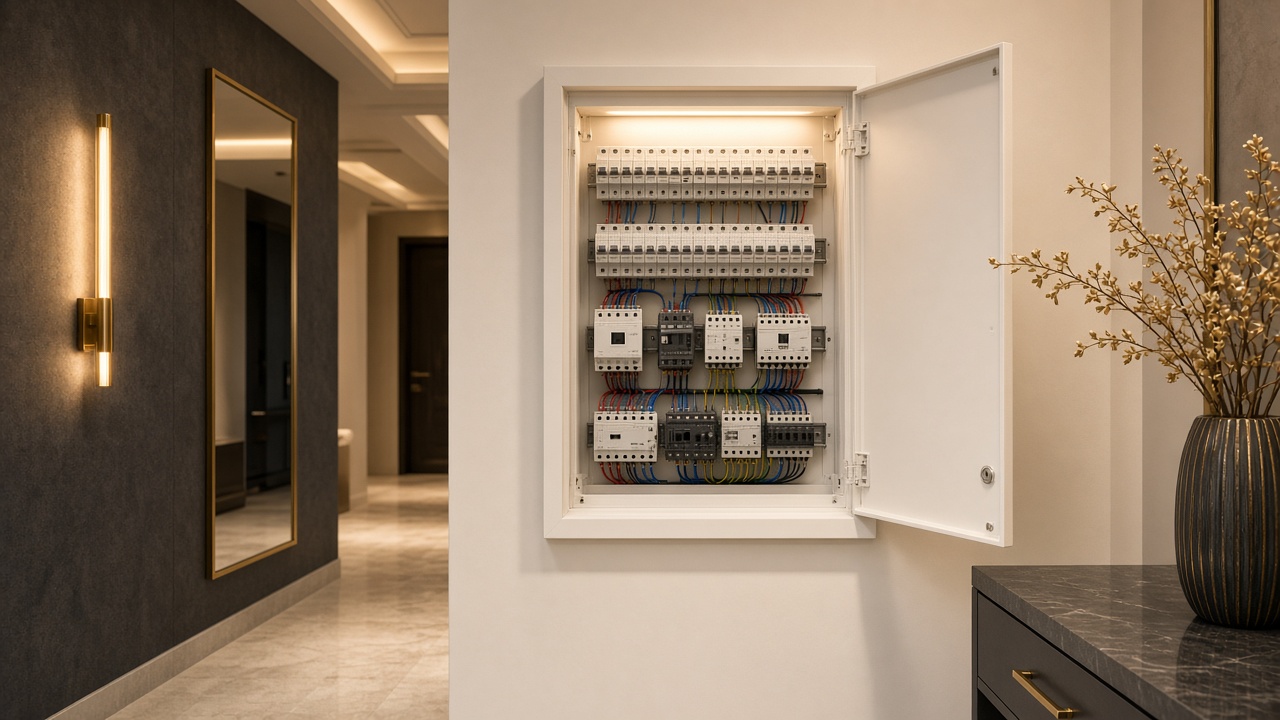
Heat and dust: Prefer ventilated, accessible cabinets for networking gear. Sealed wooden lofts cook switches and shorten UPS life.
Power quality: Plan a dedicated UPS strategy for router, ONT, PoE switch, NVR and critical hubs. Smart homes fail silently when the internet gear reboots every outage.
Monsoon and terrace work: Any roof terrace camera or AP run needs proper outdoor-rated pathway and drip loops—coordinate with roofing and waterproofing so penetrations are intentional.
uPVC and interiors sequencing: If you are doing turnkey interiors (including uPVC storage and panels), agree chase locations before wardrobe carcasses and wall panels lock access. Smart living and interiors should share one coordination drawing.
How IT professionals should brief the builder and integrator
Use a one-page “smart intent” sheet, even if the full BOM comes later:
- Work-from-home rooms and desk wall locations
- Preferred smart ecosystem constraints (voice assistants, app control, local vs cloud preference—at a high level)
- Must-have vs phase-2 devices
- Camera privacy expectations (which rooms never get cameras)
- Guest network and kids’ device habits
- EV charger location as a future provision
Ask for:
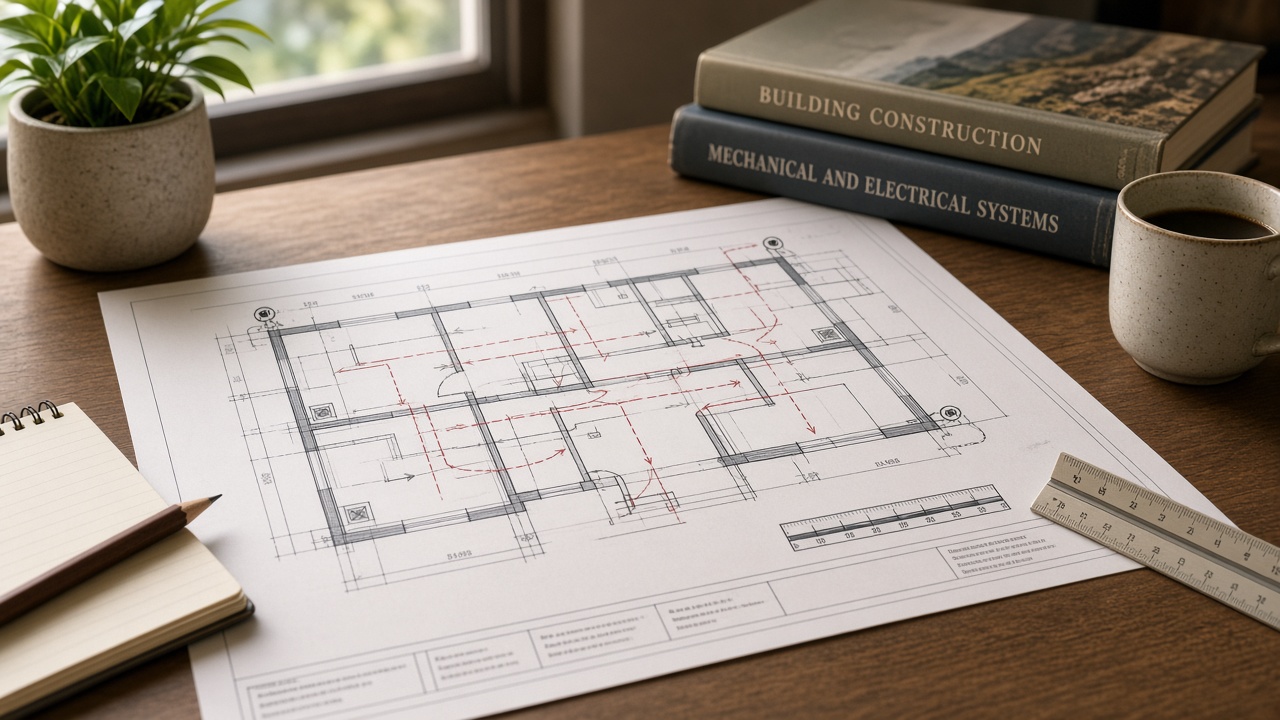
- Combined electrical + low-voltage drawings
- Soft conduit schedule with spare capacity
- Labelled pull strings left in empty conduits
- As-built photos before plaster
If one team owns construction, interiors and automation coordination, you avoid the classic three-vendor gap where each trade assumes the other left the chase.
Common pre-plaster mistakes we see in Coimbatore builds
- Only Wi-Fi planned — no LAN drops, then mesh struggles across RCC slabs.
- Automation panel with no ventilation or service access.
- CCTV decided after false ceiling — ugly surface conduit or weak camera angles.
- Gate automation as an afterthought — chiselling finished pillars.
- No spare conduits to terrace / sit-out — blocks future shade sensors, cameras, or outdoor audio.
- Interiors team sealing walls before low-voltage second-fix is verified.
A practical room-by-room starter map
Home office (priority for Saravanampatti tech pros): dual LAN, robust power, good lighting circuit for video calls, optional motorised blind on glare façade.
Living / family: LAN to TV wall, lighting scenes pathway, curtain motor feeds, sound stubs if desired.
Master bedroom: lighting, AC control placement, curtain motors, charging-friendly bedside circuits (smart or conventional).
Kitchen: circuits for appliances, careful moisture planning for any smart switches, good task lighting control.
Entrance & compound: video door phone, porch light automation, CCTV coverage of entry and driveway, gate motor pathway.
Utility / terrace: networking cabinet ventilation if placed nearby, outdoor camera conduits, provision for future solar monitoring if relevant—without over-promising a full solar design in the same breath as lighting automation.
Where Infraura fits in this stage
Infraura works across residential construction, turnkey interiors (including uPVC), smart home automation, industrial/residential roofing systems, and IT infrastructure / surveillance (CCTV and networking). For Saravanampatti homeowners, the useful advantage is coordination: conduits, interiors sequencing and device intent can be aligned before plaster—not patched after.
You do not need every gadget on day one. You need a clean backbone.
If you are mid-construction around Saravanampatti, Peelamedu or Trichy Road and plaster is approaching, get a site review before chases close. For the wider build-to-automation path, see our turnkey smart home builder guide and Race Course villa smart home checklist.
Talk to Infraura: +91 96771 71707 · infraura.com GMB: Infraura – Smart Homes and Interiors, 1499 Trichy Rd, Opposite Francis Convent, Highways Colony, Coimbatore 641018.
FAQ
When is the last safe stage to add smart home wiring in a Coimbatore new build?
Ideally during electrical first-fix, before plaster. After plaster you can still add some wireless devices, but concealed LAN, CCTV backbone, curtain motor feeds and clean module installs become harder and usually more invasive.
Can I pre-wire now and buy devices later?
Yes—and that is often the smartest approach. Empty conduits, labelled pull strings, a proper networking cabinet and spare capacity at the panel give you flexibility to phase devices as budget and needs evolve.
Is Wi-Fi 6/7 enough without LAN cabling?
For phones and laptops, often yes. For CCTV, NVRs, desktop workstations, mesh backhaul and stable WFH setups in multi-storey RCC homes, wired drops still reduce pain. Pre-wire even if you activate only a few ports initially.
Do I need a separate vendor for automation if I already hired a civil contractor?
You can—but only if drawings and site coordination are shared. Many homeowners prefer a single accountable partner for construction + interiors + automation so conduits, false ceilings and joinery do not fight each other.
What should Saravanampatti IT professionals prioritise first?
Networking cabinet + LAN, UPS for core connectivity, entrance security pathway, lighting control readiness, and curtain/gate provisions on glare and privacy façades. Entertainment can follow.
6 thoughts on “How Saravanampatti IT Pros Should Pre-Wire a New Home for Smart Living (Before Plaster)”