
Blog
IT Cabin / Home Office Fit-Out in Saravanampatti: Cabling, Acoustics, Lighting Automation

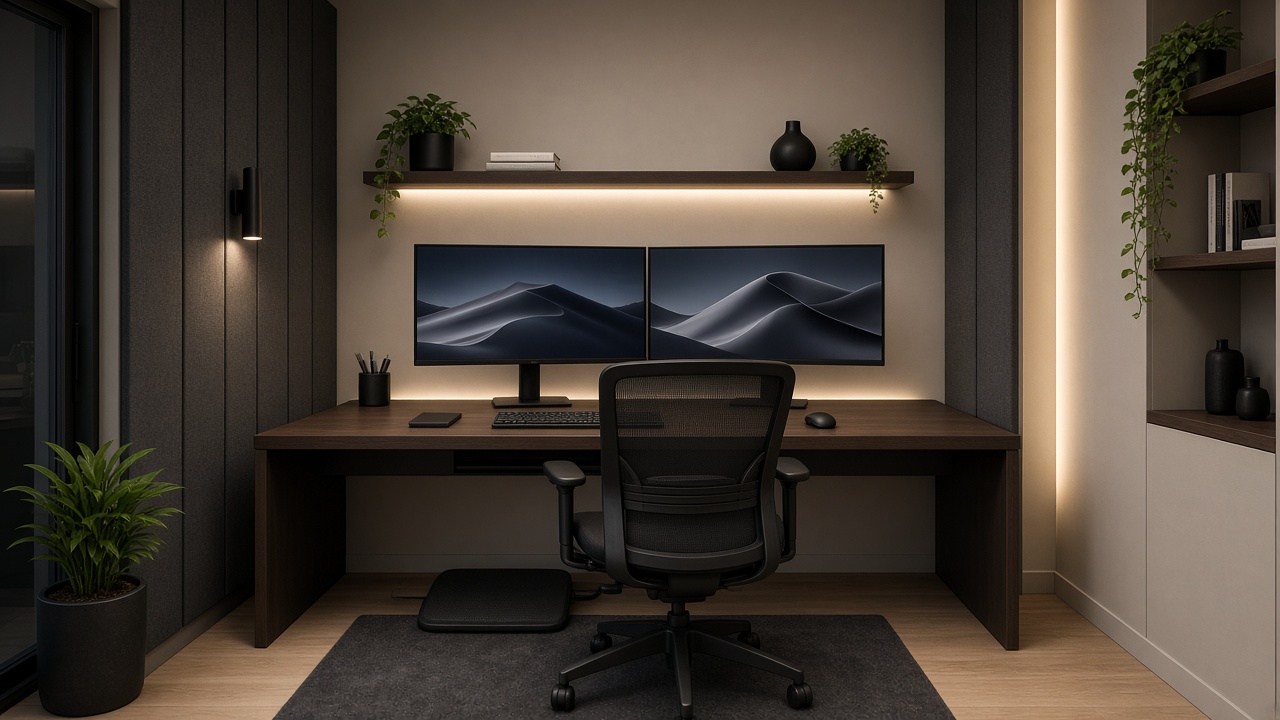
Hybrid work did not shrink in Saravanampatti—it matured. Video calls are longer. Dual monitors are normal. Partners take overlapping meetings. Kids’ online classes collide with stand-ups. The “laptop on dining table” era ends the day you need a door, a decent camera background and a network that does not drop when someone starts a download on Wi-Fi.
If you are planning a home office interior in Saravanampatti—a proper IT cabin, not a leftover corner—treat structured cabling, acoustics and lighting automation as the fit-out core. This guide is for Coimbatore tech households who want a cabin that works for eight hours without looking like a server closet. No invented package prices, no fake productivity percentages.
What “IT cabin” should mean in a Coimbatore flat or independent house
A useful cabin has:
- A door (or serious acoustic separation)
- Wired network to the desk
- Lighting that flatters cameras without headache glare
- Power and UPS thinking for desktop + monitors + router/ONT nearby if relevant
- Storage that hides cable chaos
- Airflow / AC so afternoon heat does not end meetings early
Everything else—wallpaper, LED strips, “CEO chair” marketing—is secondary.
Start with location: which room deserves the cabin?
Good candidates
- A bedroom that can sacrifice wardrobe depth for a desk wall
- A study already near the networking shaft
- A quiet end of the house away from kitchen noise and main TV
Weak candidates
- Fully open living rooms with no acoustic plan
- Hot west rooms with no curtain strategy
- Spaces that share thin walls with a toddler’s play zone and no treatment
Saravanampatti apartments vary: some have a dedicated study niche; many do not. Independent houses near the IT corridor can carve a cabin from a spare room—coordinate with overall interiors so the cabin does not become an orphan aesthetic.
Structured cabling home Coimbatore: LAN first, mesh second
Why wired still wins for IT cabins
Wi-Fi 6/7 is excellent until concrete, neighbour SSID soup, and microwave kitchens join the call. A single Cat6 (or project-standard) drop to the desk—plus a clean path to the home networking cabinet—stabilises video, VPN and large repo pulls.
Plan:
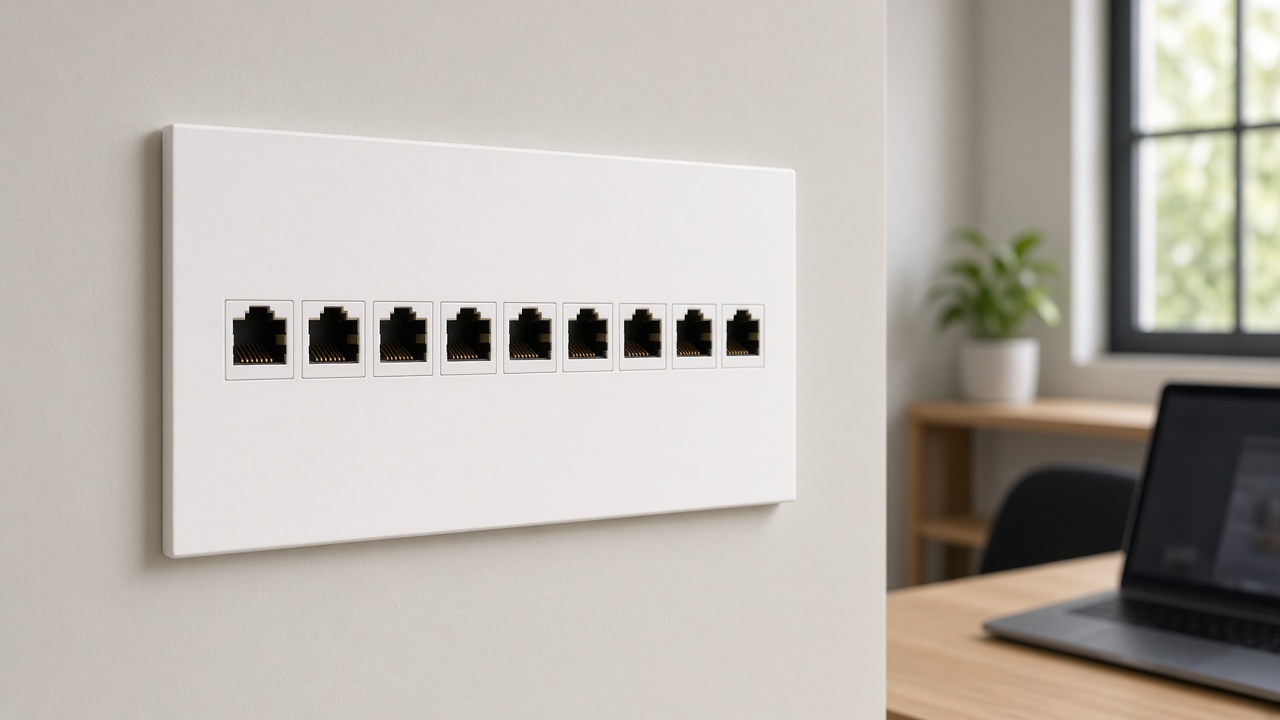
- Desk faceplate with dual LAN if two fixed machines or a docked laptop + NAS habit
- Cable path inside table raceway or wall trunking designed with carpentry—not afterthought spiral wrap
- Uplink to central switch near ONT; avoid daisy-chaining random plastic switches under the table forever
- Spare conduit if the cabin might later hold a mini CCTV monitor or access control
This is the same philosophy as whole-home pre-wiring—just denser at one wall. Link the cabin to the house backbone described in the Saravanampatti pre-wiring and CCTV/networking fit-out guides.
Power design adults forget
- Dedicated or adequately rated sockets for PC, monitors, lamp, dock
- Wall warts off the desk surface via a ventilated tray
- UPS sized for PC + monitor + network critical path if outages interrupt your stand-ups
- Earthing and surge awareness for sensitive gear—ask your electrician; this is not a DIY lecture
Acoustics: the invisible fit-out
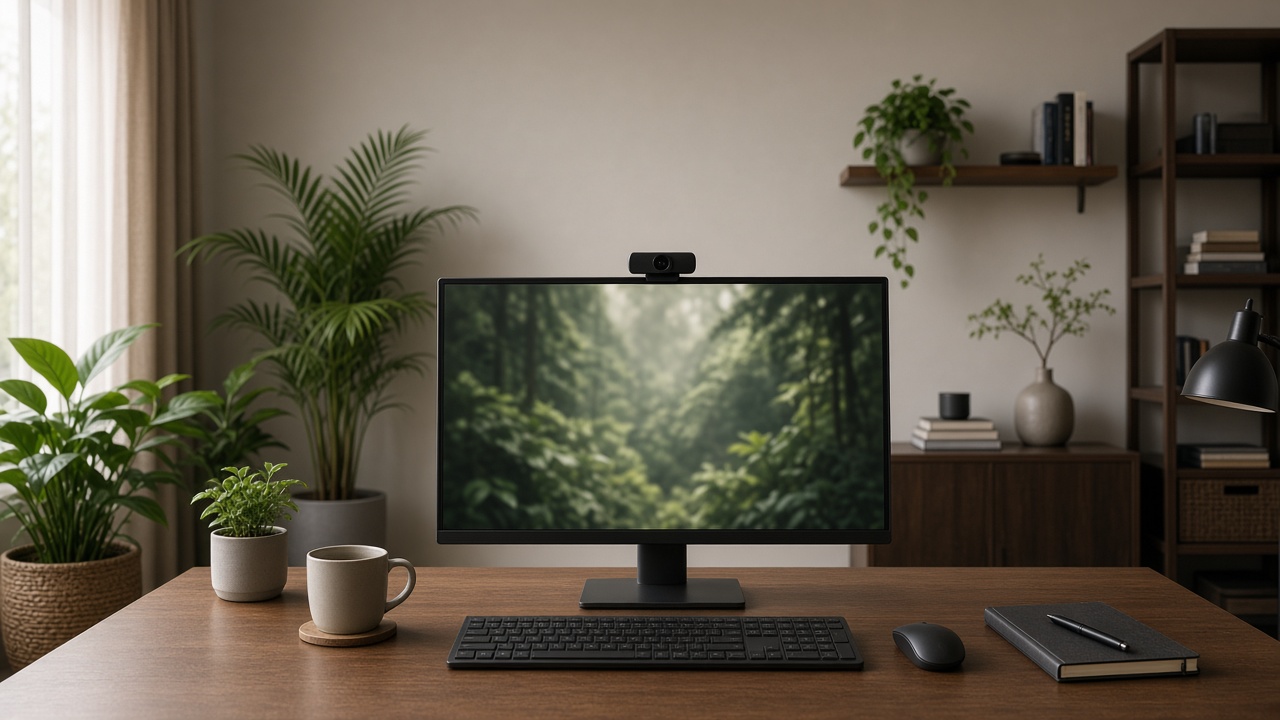
Saravanampatti traffic, corridor noise and open kitchens destroy call quality faster than cheap mics can save you.
Practical treatments (no studio mythology)
- Solid-core door with decent seals if privacy matters
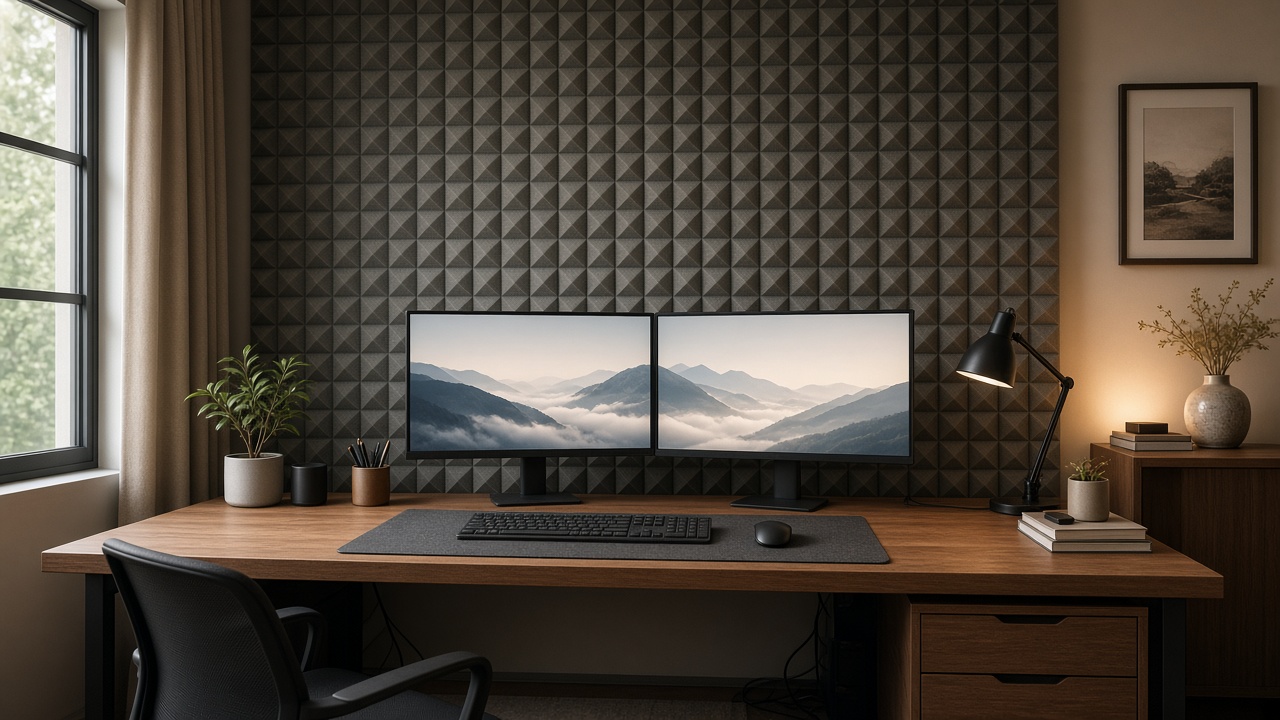
- Soft finishes: curtains, rug, upholstered pinboard—break flutter echoes
- Avoid fully tiled tiny rooms that ring
- Bookshelves as diffusion when they fit the interior language
- Desk placement so your mic does not face the AC louver blast
If you share walls with a living TV, agree household “meeting red hours” and consider a simple busy-light outside the cabin—automation can drive that light from a scene or button.
Lighting automation for cameras and circadian sanity
Layer lights like a small broadcast corner
- Ambient ceiling or cove—soft, not interrogation-bright
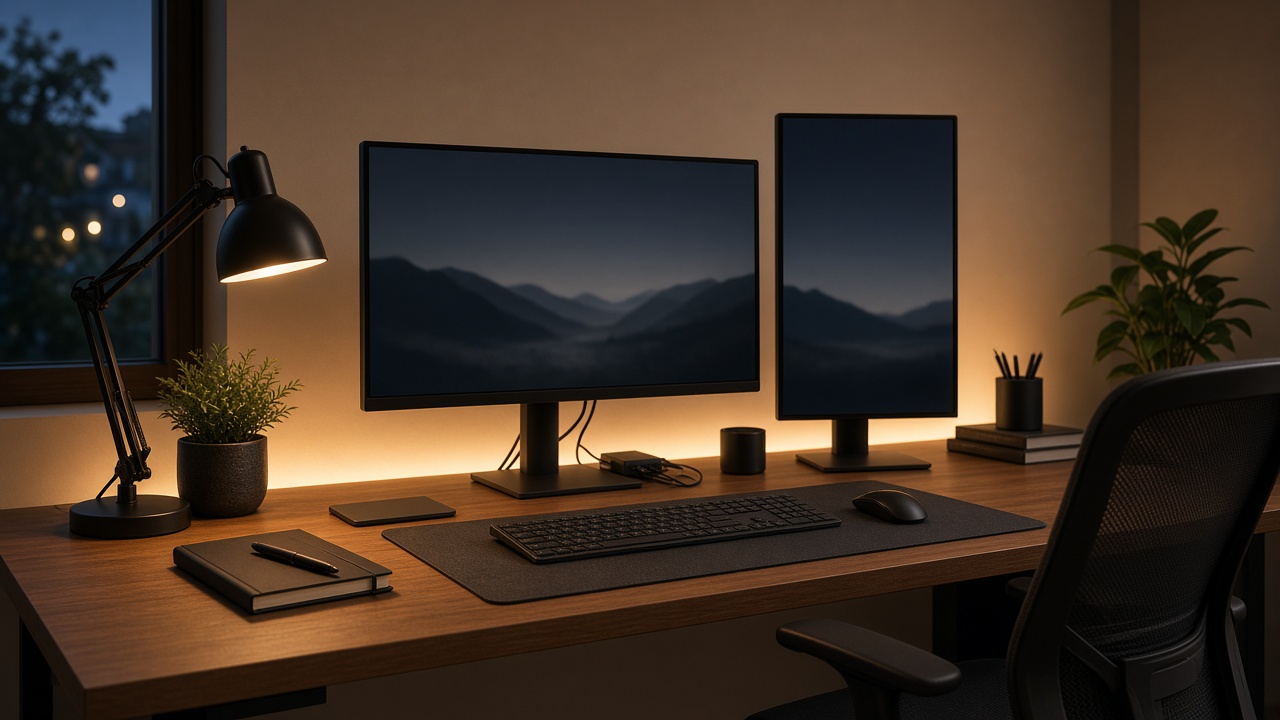
- Task desk lamp with controllable intensity
- Face light optional key light or bias light behind monitor to reduce eye strain
- Background subtle shelf or wall wash so the camera does not see a cave
Scenes that match work reality
- Meeting on: face-friendly levels, background on, harsh overheads down
- Deep work: task bright, ambient medium, notifications muted if integrated
- EOD / night path: cabin off, corridor path on for kitchen runs
- Away: cabin lights and non-essential sockets off via scene—energy hygiene
Smart switches or modules should be reachable without crawling under the desk. Elders using the same room for tuition calls need physical buttons, not only phone apps. Pair with whole-home lighting logic from the Peelamedu gate/curtain/lighting guide when the cabin sits in an independent house.
Daylight and heat
West glass needs curtains—motorised if you live by calendar alerts. Climate scenes that pre-cool the cabin before a long demo save more dignity than any ring light. See smart HVAC & roof insulation for house-level energy thinking.
Interior fit-out details that keep cabins adult
Desk wall and storage
- Cable entry grommets planned with the carpenter / uPVC crew
- Shallow overheads for binders—not deep carcasses that steal headroom
- Acoustic pinboard or felt panel as a designed element, not a hostel afterthought
- Finish materials that wipe clean (busy IT households spill coffee)
uPVC interiors can work well for wipe-down cabinetry in humid seasons; traditional carpentry still shines for custom acoustic furniture—choose per room, as in the uPVC vs carpentry guide.
Camera background honesty
You do not need a fake bookshelf JPEG. You need a tidy 1.5 metres behind you: plant, art, even lighting, no laundry pile. Fit-out the background wall deliberately.
Door and access
If the cabin holds work devices, consider lock habits consistent with home security—especially on night-shift schedules when one partner sleeps. Whole-home security patterns live in the night-shift automation article.
Sequencing the cabin inside a larger Saravanampatti fit-out
- Confirm room and door
- Freeze desk wall electrical + LAN drops before gypsum / panelling closes
- Acoustic soft finishes scheduled with interiors
- Lighting circuit grouping for scenes
- Furniture landing and cable dress
- Automation commissioning + one family training session
- Two-week tweak: glare, fan noise, chair vs camera height
Doing LAN after laminate and paint is how faceplates become surface boxes.
Budget storytelling without fake packages
Spend first on: door/separation, wired LAN, decent task+face lighting, chair/desk ergonomics, AC service.
Spend later on: decorative RGB, complex voice routines, furniture that photographs well but ignores cables.
When comparing interior quotes, ask where Cat6 terminates and whether pelmets/curtains for the cabin glass are included—those lines decide daily ergonomics more than laminate brand wars. For wider interior + smart security market-band context, see the Saravanampatti costs article (illustrative bands only; always re-verify).
Soft CTA
If you are carving an IT cabin in a Saravanampatti 2BHK/3BHK or independent house, bring room photos, desk wall measurements, and whether meetings are mostly video or mostly deep focus.
Talk to Infraura: +91 96771 71707 · infraura.com
Infraura – Smart Homes and Interiors, 1499 Trichy Rd, Opposite Francis Convent, Highways Colony, Coimbatore 641018.
We can align interiors, structured cabling and lighting automation so the cabin works like infrastructure—not décor.
FAQ
Do I really need structured cabling for a home office in Coimbatore?
If your income depends on stable video and VPN, yes—at least one quality wired drop to the desk is worth far more than another decorative shelf. Wi-Fi can backfill phones and guests.
How small can an IT cabin be and still work?
Function beats size. A well-cabled, acoustically tolerable 6×7 ft room with a door often beats a larger open nook. Ventilation and desk depth matter.
Can lighting automation help with video calls?
Yes—scenes that set face-friendly levels quickly reduce the “wait, I look like a raccoon” minute at the start of every call.
Should the home office share the house Wi-Fi mesh only?
Mesh is fine for mobility; the desk should still prefer wired backhaul or a dedicated drop. Mesh nodes themselves work better with wired backhaul in multi-floor homes.
How do I start with Infraura on a cabin fit-out?
Share whether this is interiors-only or part of a wider turnkey build. Call +91 96771 71707 or visit infraura.com. Cross-read the turnkey hub and pre-wiring guides if walls are still open.