Blog
Is Home Automation Safe? Hacking, Electrical Safety, Power Use and Internet Outages Explained

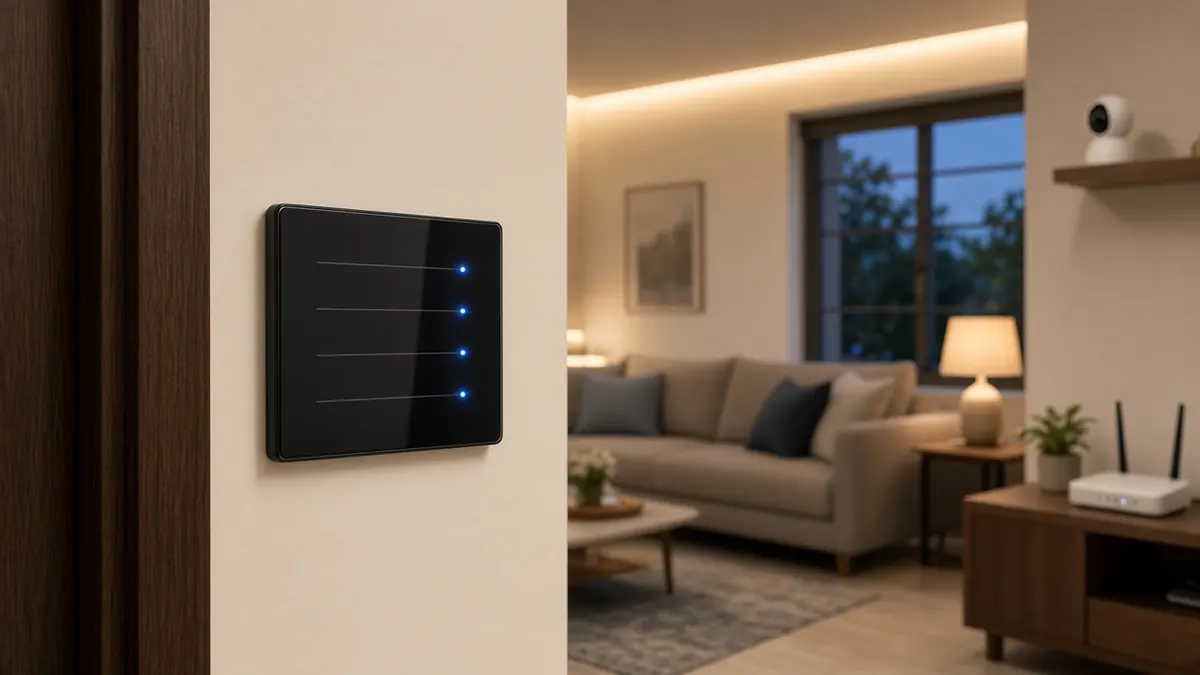
Quick answer: Home automation is safe when three things are done right: certified devices installed correctly on properly protected circuits, a secured home network with strong passwords and updates, and a design that keeps working locally when the internet drops. Most of the risks people worry about come from shortcuts in one of these three areas, not from the idea of automation itself.
Coimbatore homeowners planning a smart home usually ask about cost first. The next questions are about safety. Can someone hack my lights or cameras? Will smart switches overheat? Will my electricity bill go up? What happens during an internet outage? So, is home automation safe? These are fair questions, and the answers depend on choices you make at the planning stage. If you are still at that stage, read our guide on planning home automation during construction alongside this one.
Can home automation be hacked?
Yes, any device connected to the internet can be targeted, just like a phone or laptop. But in homes, most incidents come from a few avoidable gaps:
- Default or reused passwords on the router, cameras, recorder or app account.
- Outdated firmware on routers and devices, which leaves known weaknesses open.
- Everything on one network, so a weak device can expose laptops and phones.
- Shared logins passed around family members, staff or the installer, and never changed.
- Unknown brands that stop releasing updates soon after sale.
The fixes are practical and not expensive:
- Change every default password and use a different one for each system.
- Turn on two-factor login for the automation and camera apps.
- Update router and device firmware regularly, or enable automatic updates.
- Put smart devices on a separate Wi-Fi network or VLAN from your personal devices.
- Remove the installer’s access after handover, or limit it to what you agree.
- Choose brands that publish security updates and have local support.
The Indian Computer Emergency Response Team, CERT-In, publishes security advisories, and it is worth checking it for alerts about devices you own. A well-configured network is the foundation. Our networking and structured cabling team sets up routers, access points and separate networks for smart devices as part of the installation.
Are smart switches safe? The electrical side
A smart switch is still an electrical device in your wall. Its safety depends on the same basics as any other wiring work:
- Certified products. Buy from established brands with proper certification and documented load ratings.
- Correct load rating. A module rated for lights should not be used for a geyser or AC. Heavy loads need suitable relays or contactors.
- Space and heat. Smart modules need room in the switch box. Overpacked boxes trap heat.
- Neutral wire. Many smart switches need a neutral at the switch box. Plan this before plastering so you are not forced into workarounds later.
- Protection at the board. Correct MCBs, earth leakage protection (RCCB) and proper earthing protect people and equipment, smart or not.
- Surge and voltage issues. Voltage fluctuations can damage electronics. Ask your electrician about surge protection at the distribution board.
The National Building Code of India 2016 sets out the general principles for safe electrical installations in buildings. Whoever installs your automation should be comfortable explaining how their work meets these basics.
Does a smart home use more electricity?
Every smart switch, sensor, hub and camera draws a small amount of power all the time, even when the lights it controls are off. So there is some added standby consumption. On the other side, automation can cut waste:
- Lights and fans that switch off when a room is empty.
- AC schedules that avoid cooling empty bedrooms.
- Geyser timers instead of a geyser left on all morning.
- Outdoor lights tied to sunset and a fixed off time.
Whether you save overall depends on how many devices you install and how you use them. We do not promise a fixed saving, because no honest installer can without knowing your usage. What we do is design automations that target the loads that matter most in Coimbatore homes, usually AC, geysers and lighting.
Do you need a hub for a smart home?
It depends on the system:
| System type | Hub needed? | Good to know |
|---|---|---|
| Wi-Fi devices | Usually no | Simple to start; many devices can crowd your Wi-Fi; often rely on the cloud |
| Zigbee / Z-Wave / Thread | Yes, a hub or border router | Low power mesh; the hub can run automations locally |
| Wired systems (for example KNX) | Yes, a controller or gateway | Very reliable; best planned during construction |
A hub is not just extra hardware. A good one keeps your scenes and schedules running inside the house, which is the main defence against internet outages.
What happens to a smart home when the internet goes down?
This is where design choices show. In a well-designed home:
- Physical switches still work. Nobody should need a phone to turn on a light.
- Local automations keep running on the hub or controller.
- Cameras keep recording to a local recorder or card, even if remote viewing pauses.
- Remote app and voice control may pause until the connection returns, depending on the brand.
Before you buy, ask the installer one question: “Which functions work with no internet?” For homes that need high reliability, a UPS for the router and hub, and a backup internet connection, are worth discussing. For CCTV surveillance, local recording is a must.
Home automation vs smart home: is there a difference?
People use the two terms for the same thing. Strictly, home automation is about things happening on their own: schedules, sensors and scenes. A smart home is the wider idea, including app and voice control, cameras, video doorbells, smart locks and connected appliances. Safety principles are the same for both: good devices, good wiring, a secure network and local control.
A simple safety checklist before you sign
- Which brands and models are proposed, and do they get updates?
- Are switch boxes sized for smart modules, with a neutral at each box?
- Which loads are controlled, and are they within the module ratings?
- Is there a separate network for smart devices?
- What keeps working without internet?
- Who holds the admin login after handover? It should be you.
Infraura’s smart home services cover planning, wiring, devices and handover, and our IT infrastructure services team can secure the network behind it. We hand over admin access to you and walk your family through the system before we leave.
Frequently asked questions
Can home automation be hacked?
Any connected device can be attacked if it is poorly set up. Most real-world problems come from default passwords, outdated firmware, shared accounts and devices on the same network as everything else. Strong unique passwords, two-factor login on the app, firmware updates and a separate network for smart devices reduce the risk a lot.
Are smart switches safe to use?
Smart switches are safe when they are certified products installed by a qualified electrician, rated for the load they control, with correct earthing and protection at the distribution board. Problems usually come from cheap uncertified modules, overloaded circuits or modules crammed into boxes with no room for heat.
Does a smart home use more electricity?
Each smart device draws a small standby current, so there is some extra consumption. In practice, schedules, motion sensors and auto-off rules often reduce waste from lights, fans and AC left running. Whether you save overall depends on how you use it.
Do I need a hub for a smart home?
Not always. Many Wi-Fi devices work directly with an app. Zigbee, Z-Wave and many wired systems need a hub or controller. A hub can also run automations locally, which helps when the internet is down.
What happens when the internet goes down?
Well-designed systems keep working locally: physical switches still work, and hub-based automations keep running. Cloud-only devices may lose app and voice control until the connection returns. Ask which functions work offline before you buy.
What is the difference between home automation and a smart home?
The terms are often used interchangeably. Home automation usually means rules and schedules that run on their own, such as lights turning on at sunset. Smart home is a broader term that also covers remote control, voice assistants, cameras and connected appliances.
Talk to Infraura
Have a question about your project? Speak to our team in Coimbatore. We will explain the options plainly and give you a written scope.
- Call / WhatsApp: +91 96771 71707
- Email: support@infraura.com
- Visit: No:1499, Trichy Road, Coimbatore
- Hours: Monday to Saturday, 10 AM to 7 PM
Related Posts

Roof Leakage Repair in Coimbatore: Causes, Fixes and When to Choose Waterproofing or Roofing Sheets
-
Posted by
 Infraura
How Interior Designers Charge in Coimbatore: Fees, Quotes and Payment Terms That Protect You
-
Posted by
Infraura
Commercial Building Construction Cost in Coimbatore: What Really Drives the Price per Sq Ft
-
Posted by
Infraura